Avast SecureLine VPN & Privacy
Avast Software
Downloads
10,000,000+
Version
Latest
Click to download now, finish the installation quickly, and directly unlock the all-round experience
Screenshots

Click to download now, finish the installation quickly, and directly unlock the all-round experience
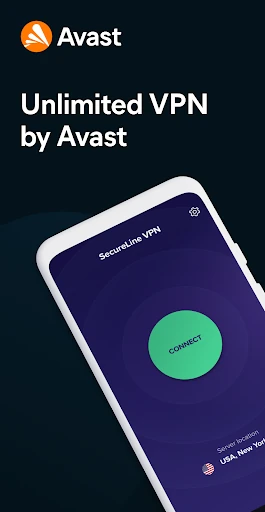
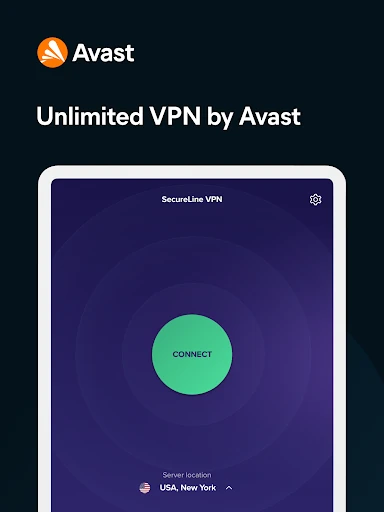
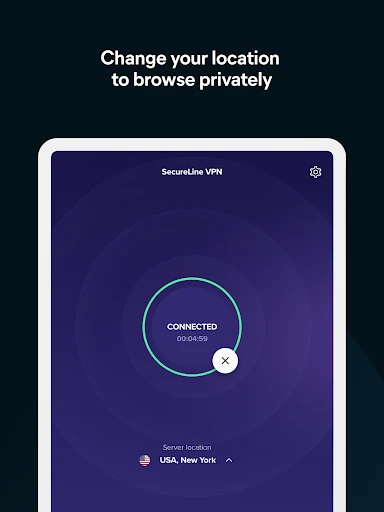
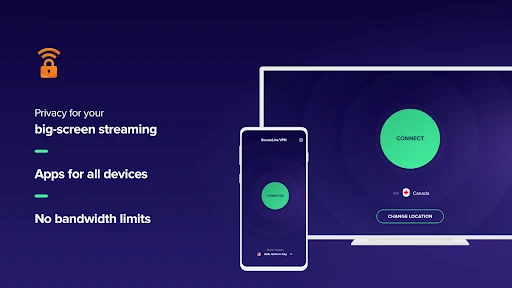
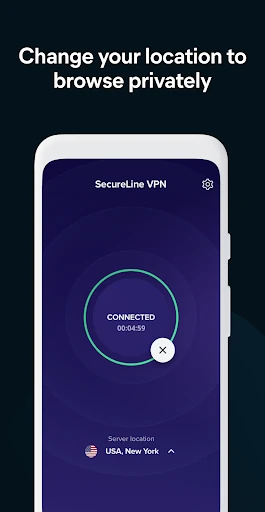
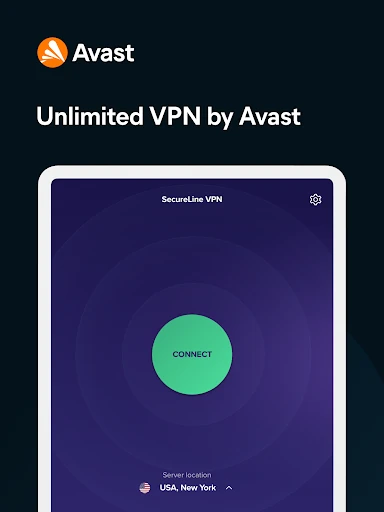
Avast SecureLine VPN & Privacy routes your Android device’s internet traffic through a VPN connection, adding privacy when you use mobile data or Wi-Fi. Its main appeal is straightforward operation: open the app, choose a server, and switch protection on with a tap. That makes it a practical fit for people who want a simpler way to manage their connection without dealing with detailed network settings.
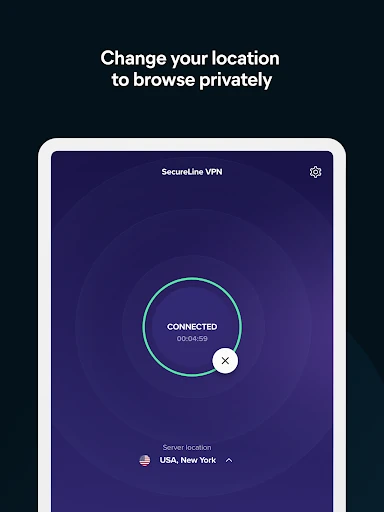
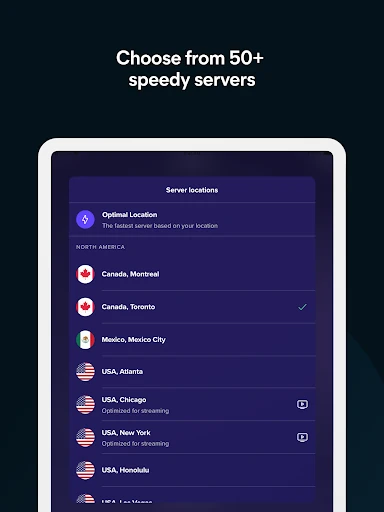
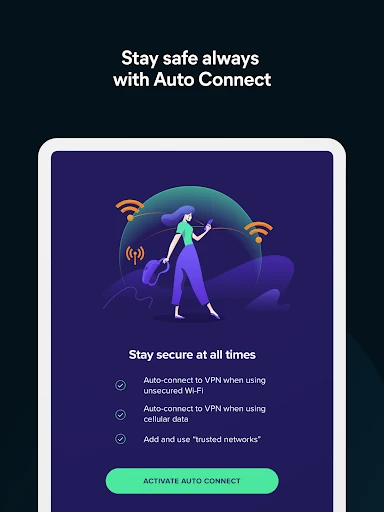
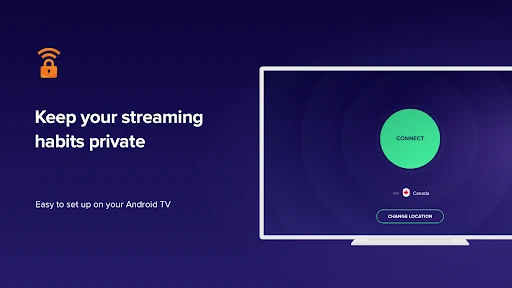
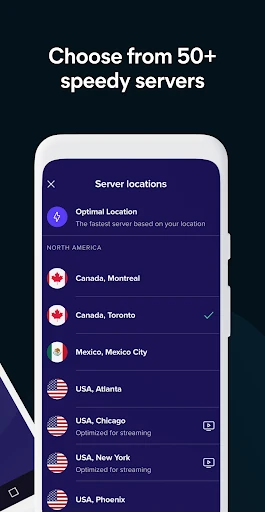
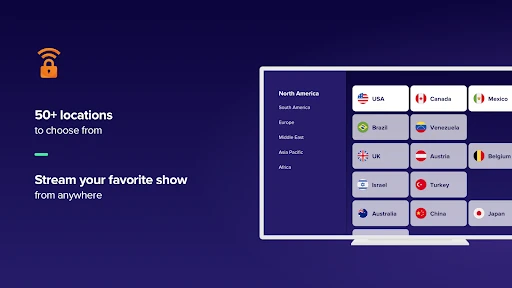
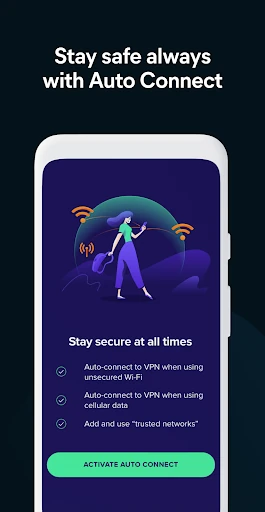
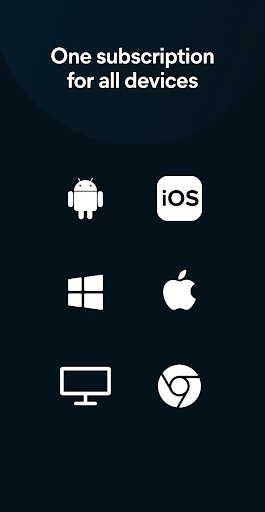
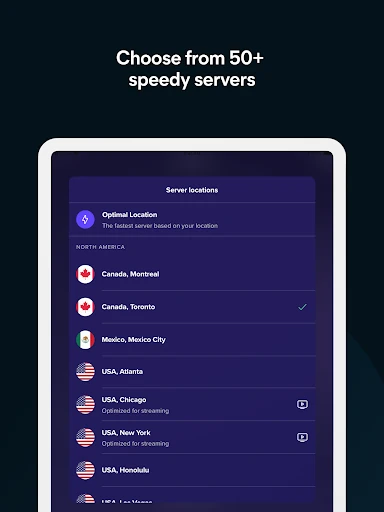
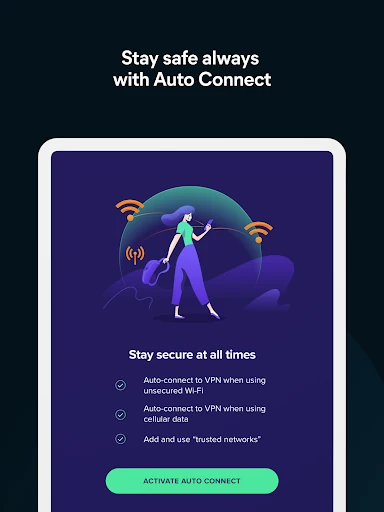
The app includes a selection of VPN servers in different locations, giving users a way to connect through another region when needed. It can also reconnect when a device moves between Wi-Fi and cellular data, helping avoid a manual restart during ordinary use. Support for Android TV extends the same VPN controls beyond phones and tablets.
SecureLine keeps its primary status and connection controls in one clear interface. A home-screen widget provides a quicker way to turn the VPN on or off, while the server list and settings remain available for users who want more control over where the connection is routed. The trade-off is that it is aimed more at convenience than advanced configuration, so users looking for extensive protocol or connection tuning may find it limited.
Developed by Avast Software, the app has reached 10,000,000+ installs and holds a 4.32 rating from 223,002 reviews. Those figures reflect broad use and a generally positive reception. SecureLine suits casual VPN users who value a familiar interface, quick activation, and protection that fits into routine browsing rather than a heavily technical toolset.