
Click to download now, finish the installation quickly, and directly unlock the all-round experience
Screenshots
Click to download now, finish the installation quickly, and directly unlock the all-round experience
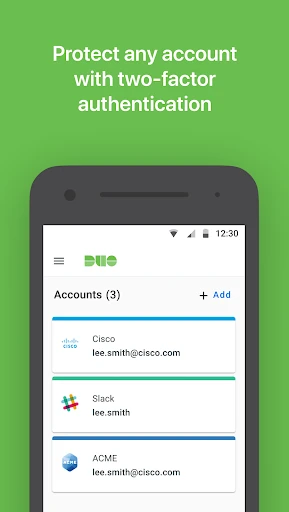
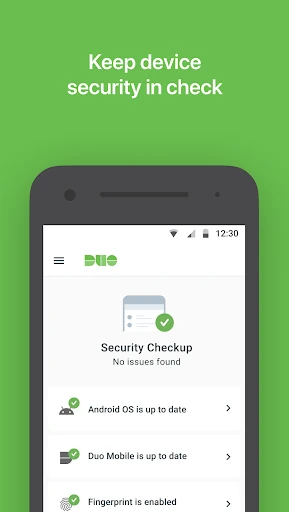
Duo Mobile adds a second verification step when you sign in to supported work accounts and other services. It is mainly suited to employees, contractors, and anyone whose organization uses Duo Security, while also working as a two-factor authentication app for selected third-party accounts.
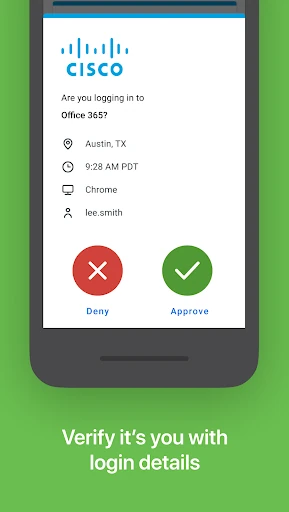
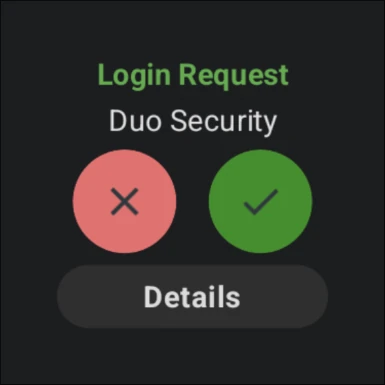
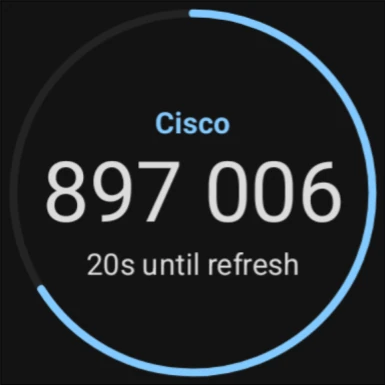
For Duo-protected accounts, the app can send a login approval to your phone, letting you confirm the attempt with a tap. It also generates time-based passcodes for situations where a push notification is not available. Those codes can be used without an active internet or cellular connection.
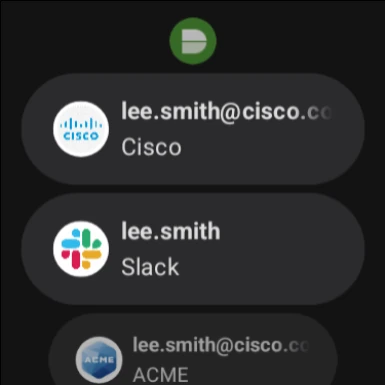
The interface keeps its focus on account names, verification prompts, and passcodes rather than extra tools. A Duo work account normally needs to be activated through an enrollment link supplied by an administrator, so setup depends partly on how the organization manages access. The app is most useful when you need a quick, repeatable way to separate a real login from an unauthorized one.
Developed by Cisco Systems, Inc., Duo Mobile is listed in Business and has passed 10,000,000+ installs. Its rating is 4.43 from more than 85,000 reviews. Choose it when your employer requires Duo or when you want one app for Duo approvals and standard two-factor codes; it is less compelling if you only need a basic authenticator with no Duo account.