Click to download now, finish the installation quickly, and directly unlock the all-round experience
Screenshots
Click to download now, finish the installation quickly, and directly unlock the all-round experience
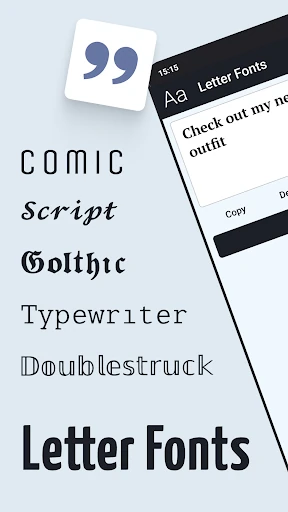
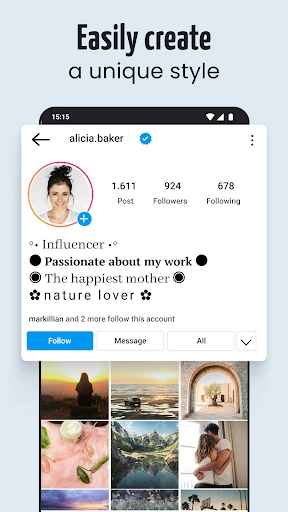
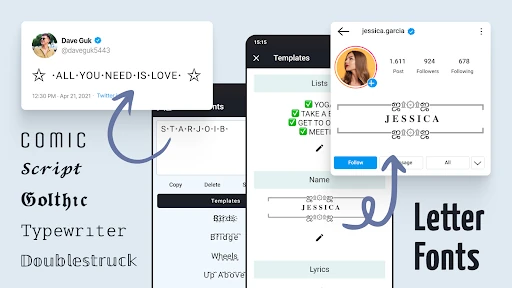
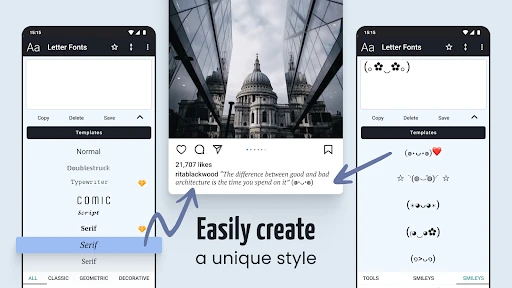
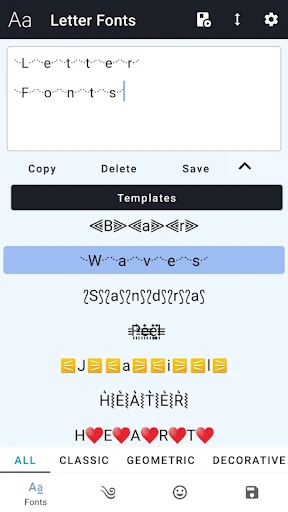
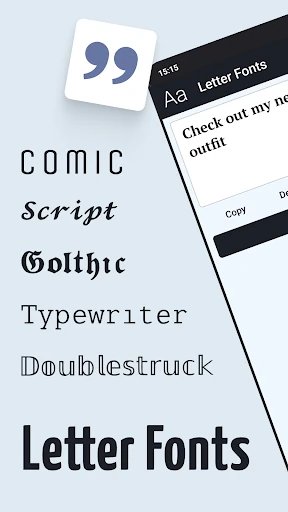
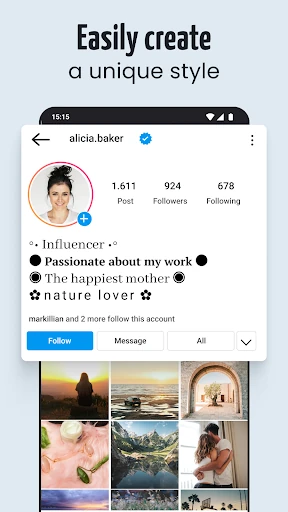
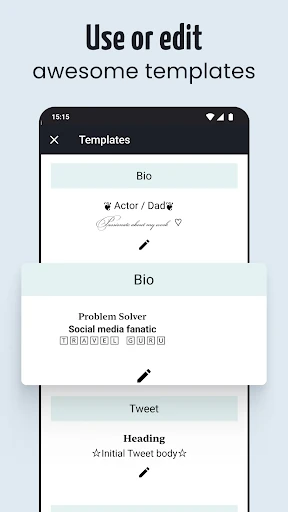
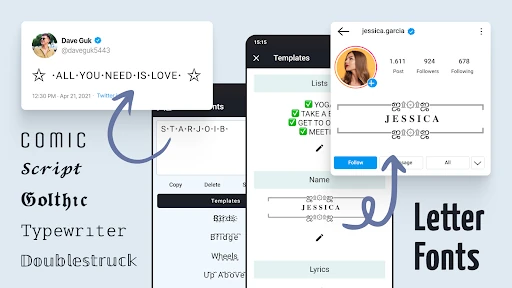
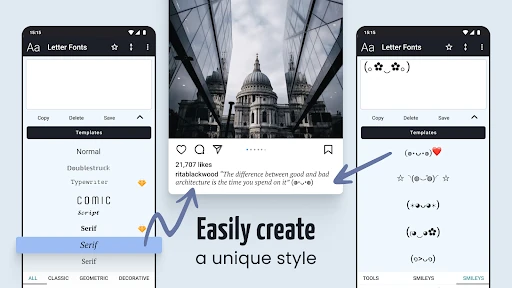
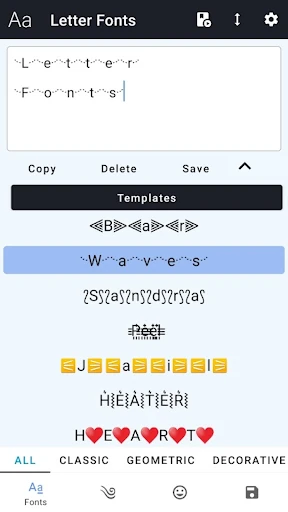
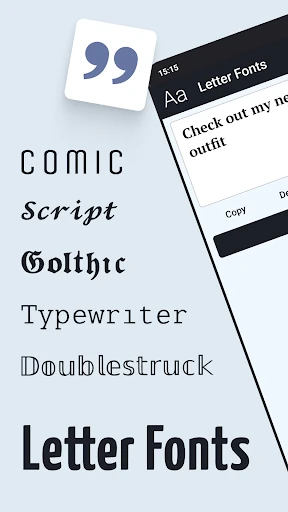
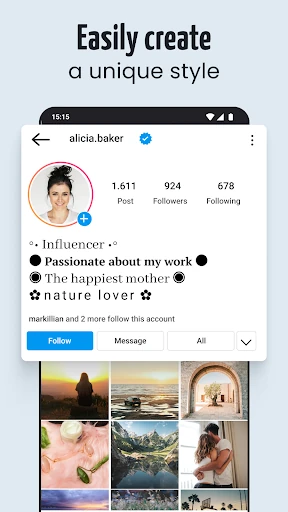
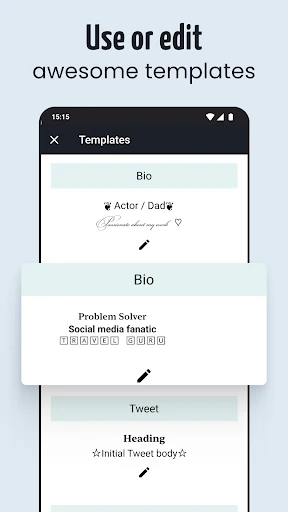
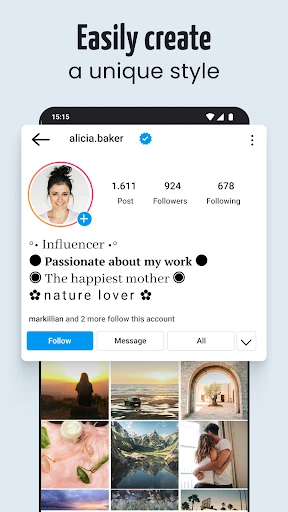
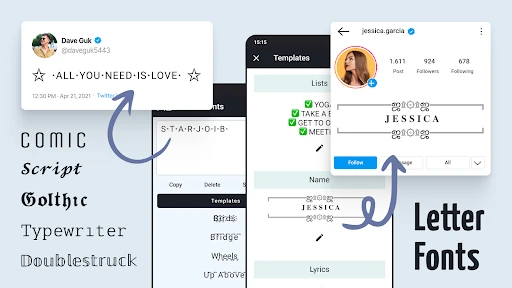
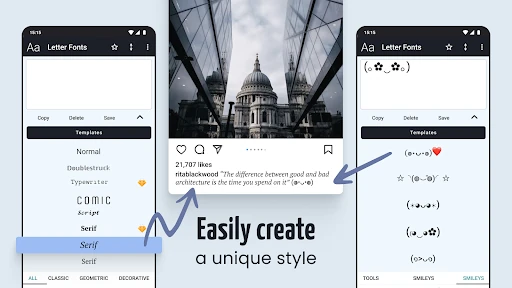
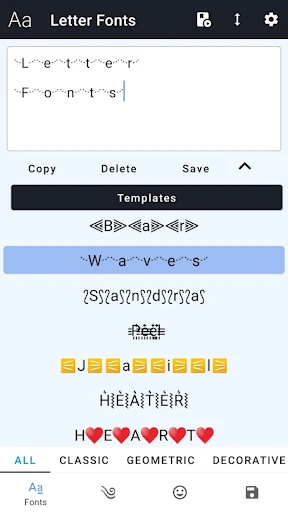
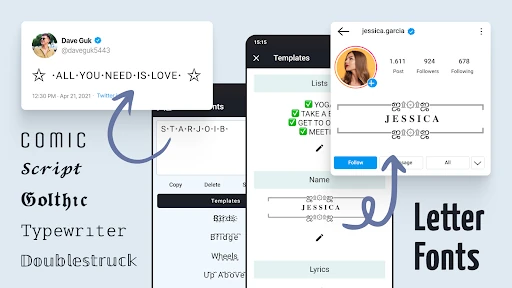
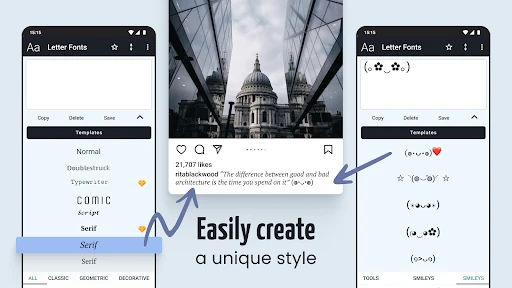
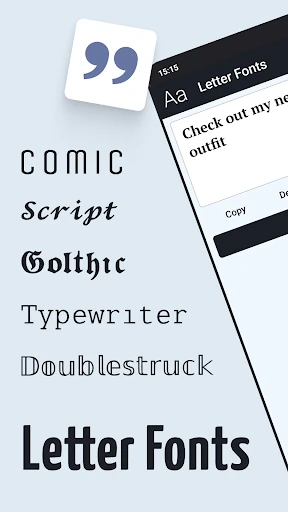
Letter Fonts - Stylish Text turns ordinary typing into decorated text for profiles, messages, captions and usernames. It is aimed at people who want more choice than the standard Android keyboard provides, especially social media users, chat users and players creating a distinctive gaming name or bio.
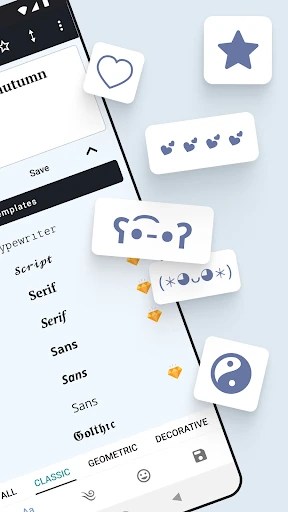
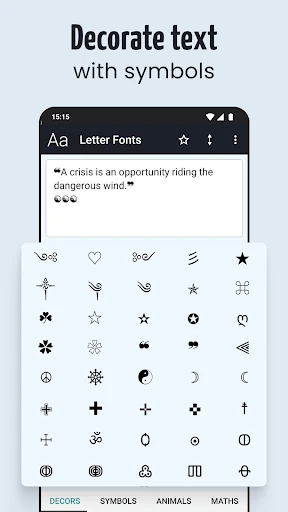
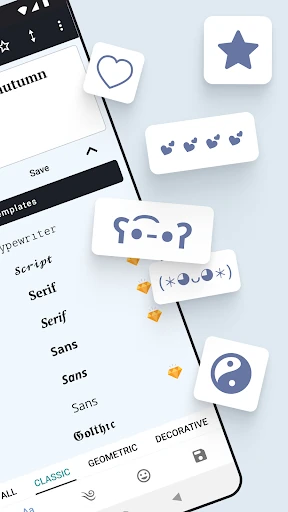
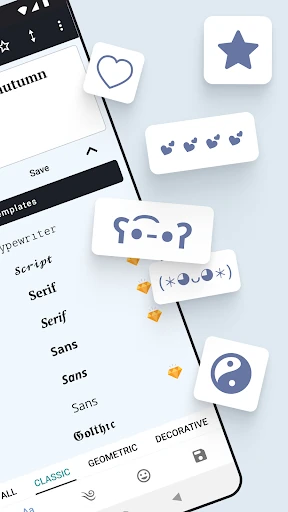
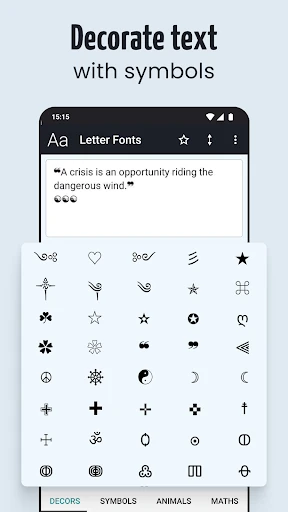
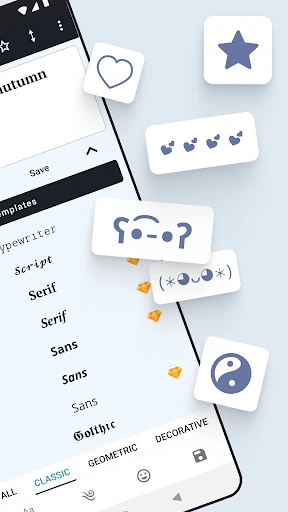
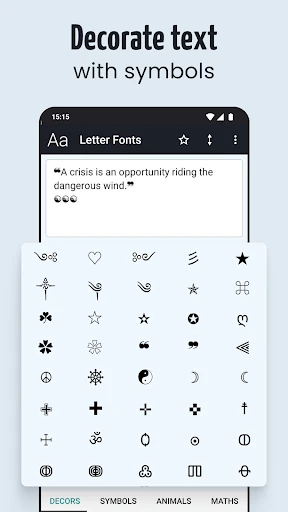
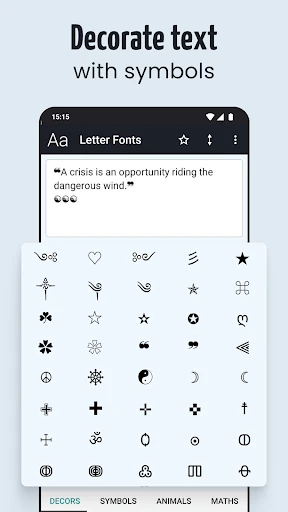
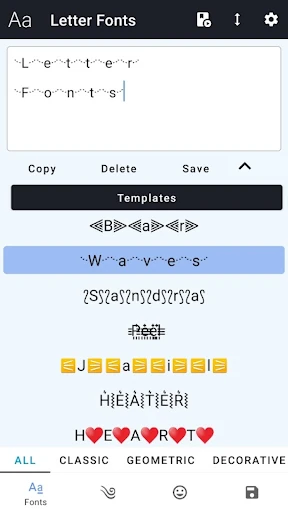
The app generates alternative letter styles that can be copied into compatible messaging and social apps. It also includes a collection of symbols for adding detail to short posts, nicknames and profile descriptions, with groups covering decorative marks, animals and mathematical characters.
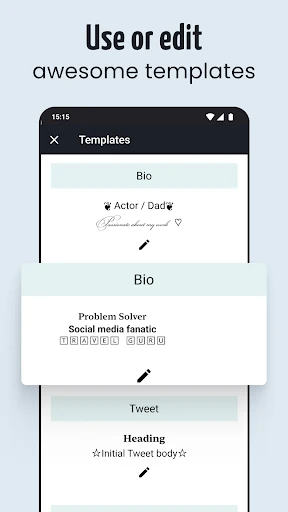
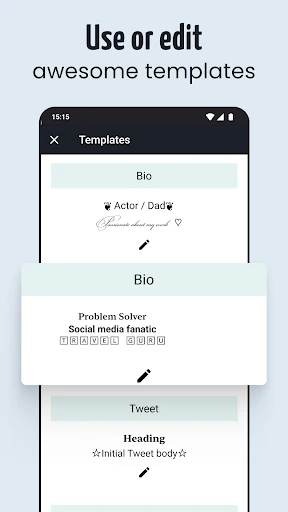
This is a practical pick for users who regularly adjust their online presentation rather than a general replacement for a full keyboard. It should appeal to anyone making profile bios, chat messages or game nicknames, particularly when a few unusual characters are enough to make plain text look different.
Developed by TarrySoft, the app sits in the Personalization category and has passed 10,000,000 installs. Its rating is 4.33 out of 5 from about 94,000 reviews, giving it a substantial user record. The main limitation is compatibility: stylized characters depend on the app receiving them, and some devices or older software may show replacement characters instead of the intended symbols.