Screen Recorder - G1REC
Eco Mobile Editor
Downloads
10,000,000+
Version
Latest
Click to download now, finish the installation quickly, and directly unlock the all-round experience
Screenshots
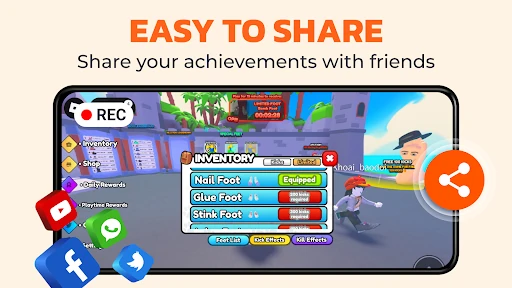

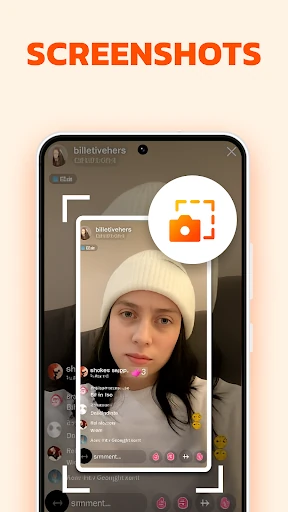
Click to download now, finish the installation quickly, and directly unlock the all-round experience
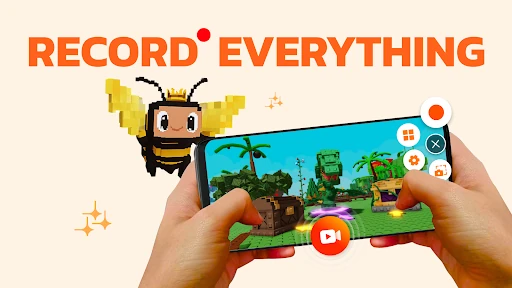
Screen Recorder - G1REC captures what is happening on an Android screen, with options for recorded sound, face-camera video, and screenshots. It suits gamers, tutorial makers, support teams, and anyone who needs to explain an on-screen process without reaching for another device.
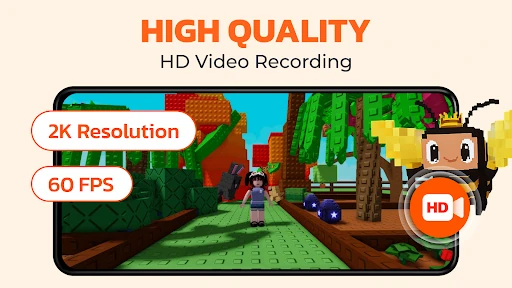
Recordings can include internal audio on Android 10 and newer, along with microphone input where needed. A face-camera overlay lets creators add reactions, while the brush tool makes it possible to mark or point at parts of the screen during a recording. The floating controls are useful for starting a capture or taking a screenshot without leaving the app in view, and can be hidden while recording.
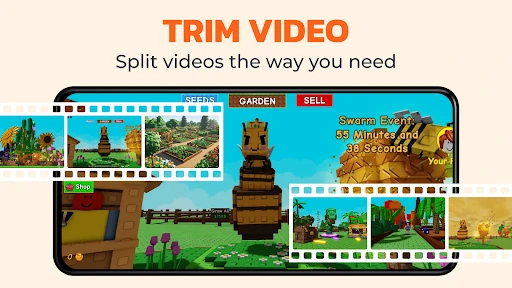
G1REC is more than a recorder. Its built-in tools can trim and adjust recorded videos, change the voice for playful clips, extract audio as MP3, and turn video segments into GIFs. That makes it suitable for preparing short social posts, sending a visual answer in a chat, or converting a longer capture into a simpler format.
The app keeps recording, capture, and basic media conversion in one straightforward package rather than splitting those jobs across several tools. Its scale is also clear: 10,000,000+ installs and a 4.32 rating from 105,936 reviews suggest broad, sustained use. Developed by Eco Mobile Editor, it is a sensible pick for users who want a general-purpose screen recorder with editing extras built in.