Mirror App - Beauty Mirror
Dairy App & Notes & Audio Editor & Voice Recorder
Downloads
5,000,000+
Version
Latest
Click to download now, finish the installation quickly, and directly unlock the all-round experience
Screenshots
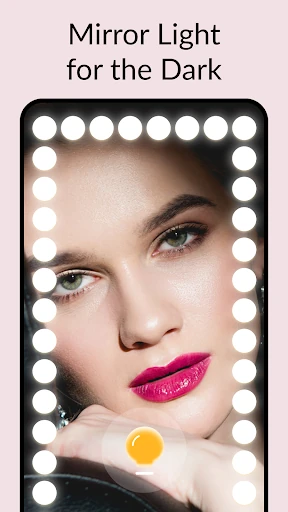
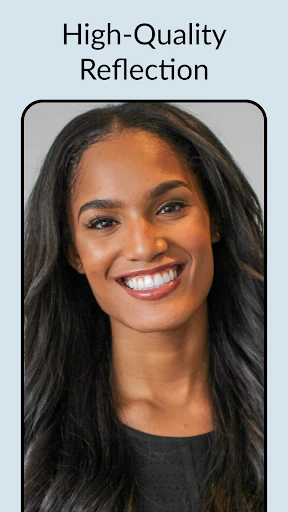
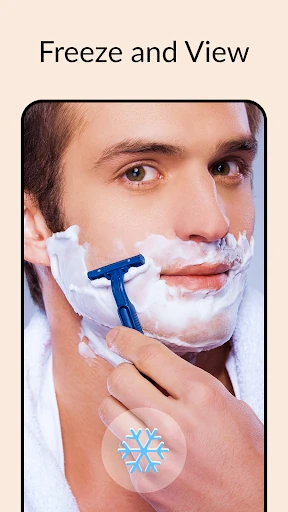
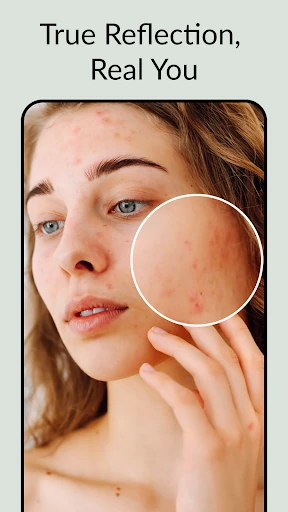
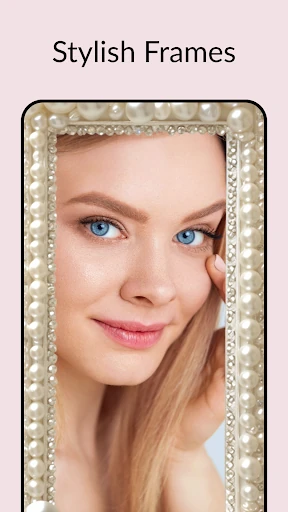
Click to download now, finish the installation quickly, and directly unlock the all-round experience
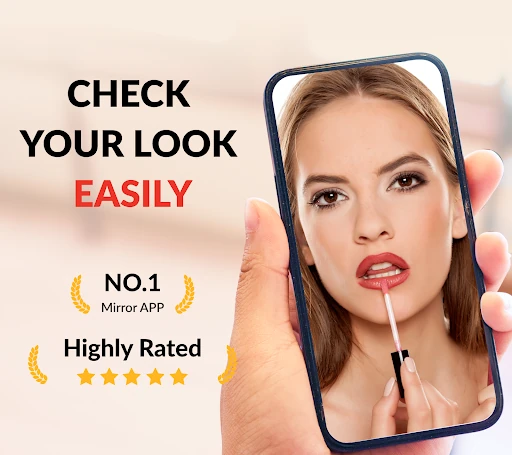
Mirror App - Beauty Mirror turns an Android phone into a dedicated beauty mirror for checking makeup, shaving, hair, teeth and other close-up details. It suits anyone who wants a simpler view than a standard camera app, especially when a physical mirror is out of reach or the lighting is poor.
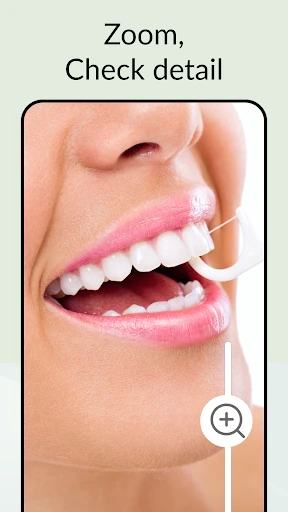
The app is built around a live reflection rather than photo-taking. You can enlarge parts of the image for more precise work, pause the view to inspect an angle, and use the phone’s screen as an extra light source. A reflection mode is intended to show your appearance without the usual camera-style presentation, while optional vanity frames add a more personal finish.
This is a focused utility, not a general camera with beauty tools added around it. Its value comes from keeping the screen centered on one job: giving you a clear, accessible reflection when you need to tidy up or apply makeup. The controls are suited to quick, one-handed checks, and the uncluttered layout leaves more room for the image itself.
Mirror App - Beauty Mirror is listed in the Beauty category and is developed by Dairy App & Notes & Audio Editor & Voice Recorder. With a 4.44 rating from 24,294 reviews and more than 5,000,000 installs, it has found a substantial audience among users looking for a dedicated phone mirror rather than another photo editor.